From a stream to your clip channel.
- 1
Pick the stream
Find a recording you have permission to use. On Kick and Twitch, wait for the stream to end and copy the VOD link.
- 2
Get the moments
Choose a part of up to two hours. Mossclip finds the moments and returns vertical clips with captions.
- 3
Give the clip context
Review the opening, captions and framing. Someone who missed the stream needs to understand what is happening.
- 4
Download and post
Download the clips without a watermark. Pick the ones that fit your channel and publish from your own accounts.
What comes out.
Each of these came out of a longer video, already cut, titled and captioned.
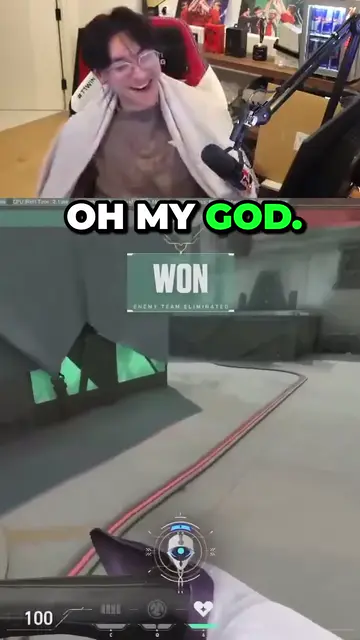
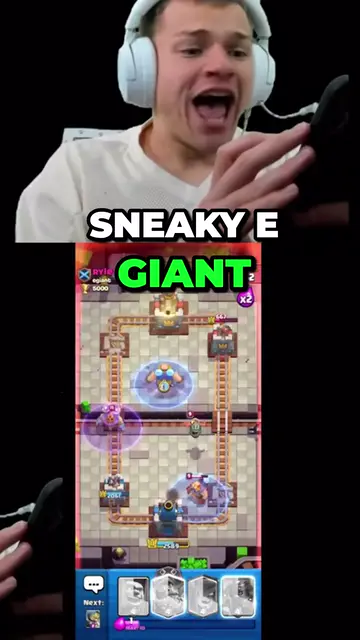
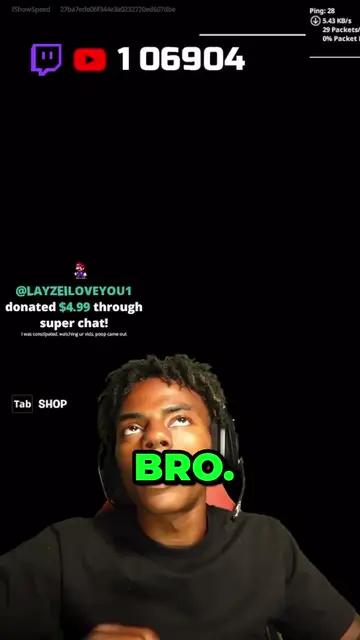
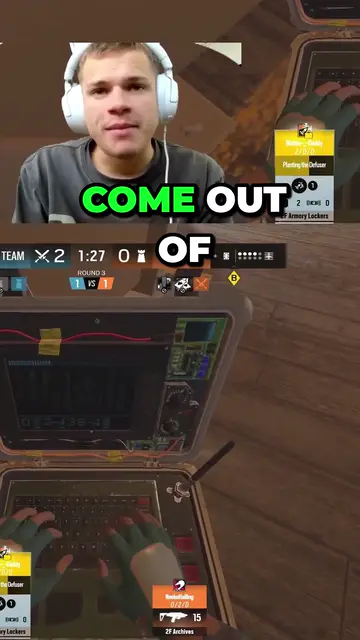
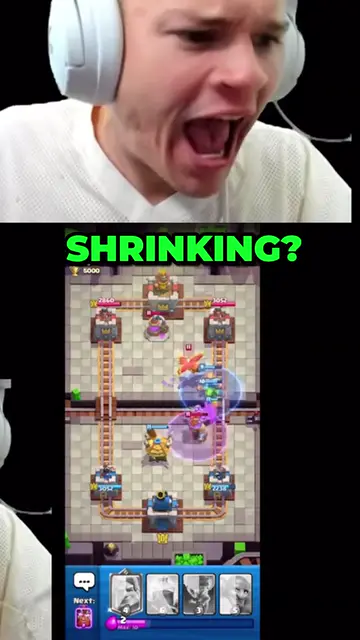
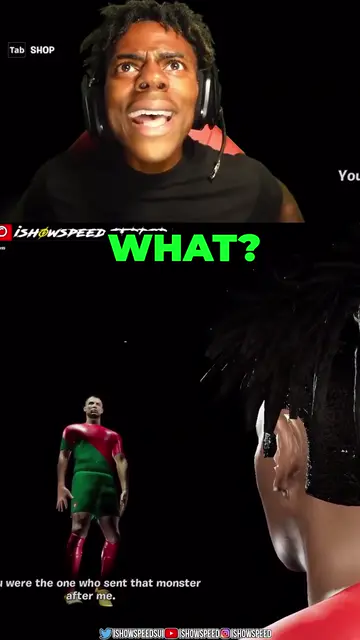
Real outputs made with Mossclip. The creators shown are not affiliated with Mossclip.
Sign up with Google and your first 30 minutes are free. Join our Discord for two hours and two styled clips.
Get clipsPick a stream that fits the channel
A clip channel is easier to follow when it has a subject: a game, a creator or a kind of conversation. Start with a recording you can use and a part you know.
Keep moments that stand on their own
Watch the clips before posting. A joke needs its setup, an answer needs the question and a reaction needs to show what happened. Remove the extra words without losing that context.
The reaction and the play in one clip
For streams with a camera over the game, put the camera on top and the game below. Adjust both crops to keep the face and the action visible. The examples show real stream clips with captions.
Let the opening line set the scene
Choose an opening that makes clear why this moment is worth watching. Use the clip's own words and a title that matches what happens. Do not promise something the video does not deliver.
Find a rhythm you can keep
Set aside a small batch from each recording and spread your posts through the week. Review every clip, avoid repeating the same moment and download the files you plan to use. You do the posting.
For a channel you follow
On paid plans, Autopilot follows YouTube and Twitch channels and turns each new recording into clips. You review, download and publish; it does not post for you.
Questions.
Can I make clips from a Kick stream?
Yes. Paste the link of a finished Kick recording anyone can watch. Use footage you have permission to publish.
Can I paste a Kick clip link?
No. Mossclip makes new clips from the finished recording, not clips that already exist. Use the VOD link.
How much can I use in one job?
Up to two hours. For a longer recording, choose the part and open another job for the next part.
Is there a watermark?
No. You download clips without a Mossclip watermark.
Is it free to start?
Sign up with Google and your first 30 minutes of video are free. Join our Discord server and that becomes two hours, plus two styled clips, once. Paid plans start at $9 a month.
Your next clip
is already
recorded.
Sign up with Google and your first 30 minutes are free. Join our Discord for two hours and two styled clips.