Side by side.
ClipMe details are from its own site, read on 4 October 2026. Plans change; check clipme.com before you decide.
What comes out.
Each of these came out of a longer video, already cut, titled and captioned.
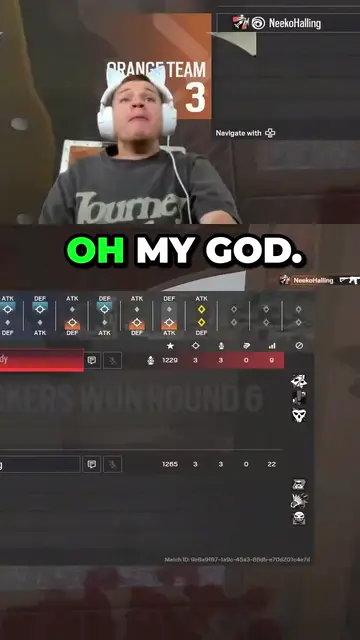
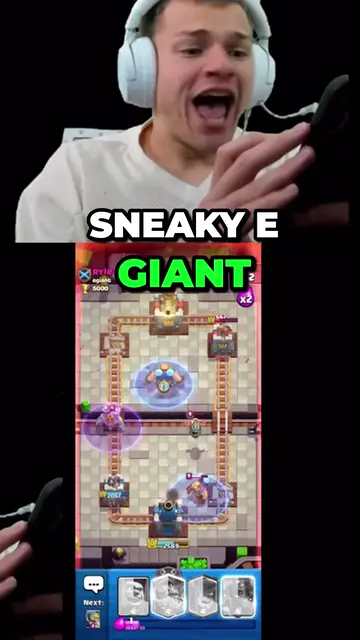
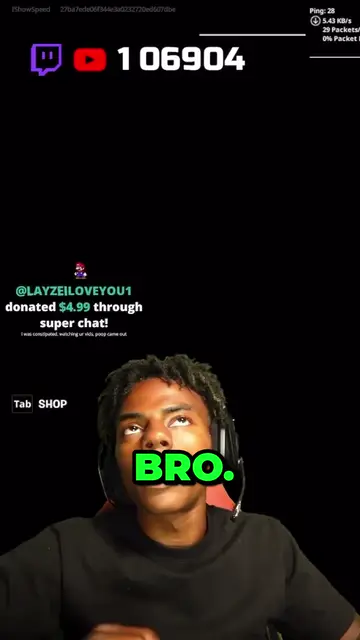
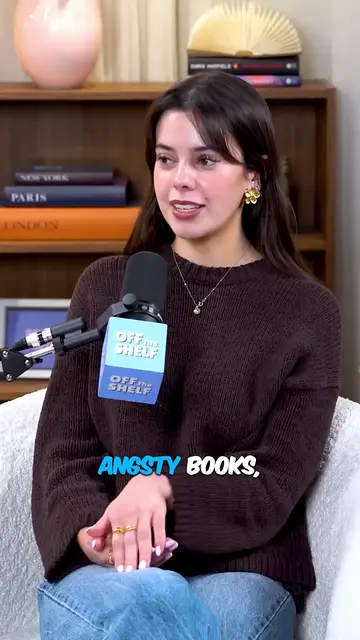

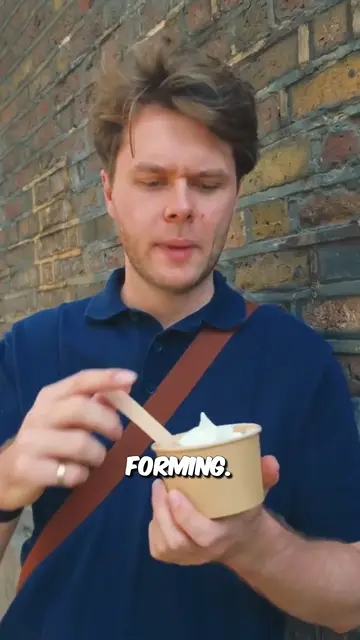
Real outputs from the beta. The creators shown are not affiliated with Mossclip.
Free during the closed beta. Sign in, join the Discord, press one button and you’re in.
Get clipsThe clip is a draft you can change
An automatic clip can be slightly off: a slow start, a line that runs on, a caption that misheard a name. In Mossclip you fix it. Delete words from the transcript and the video loses exactly those seconds. Restyle the captions in nine styles, or rewrite any word.
Say what you want before the job
Write one sentence before the job starts to say what you are after, and Mossclip uses it when it picks the moments. It finds them from the transcript and, on streams, from the sound and the picture, so a moment with nothing said is found.
Your layout, kept for the streamer
Mossclip finds the facecam, in a bordered box or cut out over the game, and stacks it over the gameplay. Both crops can be moved. Save the result as a layout, apply it to the whole batch, and choose it for the next job from the same streamer.
Podcasts go through the same job
Mossclip reads the transcript on every job. Podcasts, interviews and vlogs get a crop that follows the speaker, and streams get the facecam stacked over the game.
Why people pick Mossclip over ClipMe
- Cut a clip by deleting its words.
- Both crops movable, and the layout saved for the next job.
- A one-sentence brief before the job.
- Streams, podcasts and interviews in the same job.
Questions.
Can I change a clip after it is made?
Yes. Delete words from the transcript and the video loses exactly those seconds. You can also move the facecam and game crops, and restyle or rewrite the captions.
Can I tell it what kind of moments I want?
Yes. Write one sentence before the job starts.
Does Mossclip take Kick and Twitch links?
Yes. Paste the link of the finished recording on Twitch or Kick. There is nothing to download or upload. A YouTube link works the same way.
Does it keep the facecam in the clip?
Yes. The facecam is found and stacked over the gameplay. Both crops can be moved, and the layout can be saved for the next job from the same streamer.
Is Mossclip free?
Mossclip is free during its closed beta. Join the Discord server, press one button, and your account is open.
Sources, read on 4 October 2026: ClipMe pricing, ClipMe captions, ClipMe auto-reframe, ClipMe blog: face-tracked reframing.
Your next clip
is already
recorded.
Free during the closed beta. Sign in, join the Discord, press one button and you’re in.