From the link to clips you can download.
- 1
Paste the recording
Open the channel's videos on Kick and copy the finished stream's link. Clip links, channel pages and live streams are not accepted.
- 2
Choose the part
Each job takes up to two hours. For a longer recording, choose the start and end of the part you want.
- 3
Review the moments
Mossclip returns vertical clips with captions. Watch them and choose which ones you want to post.
- 4
Download the clips
Adjust the captions and the framing. Download the videos and post from your own accounts.
What comes out.
Each of these came out of a longer video, already cut, titled and captioned.
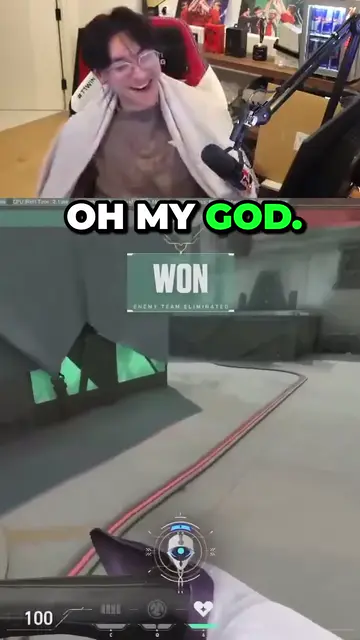
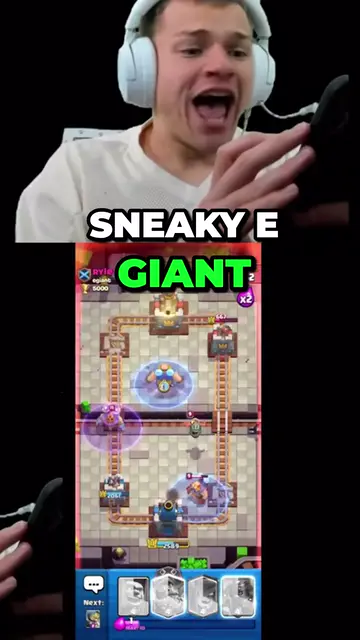
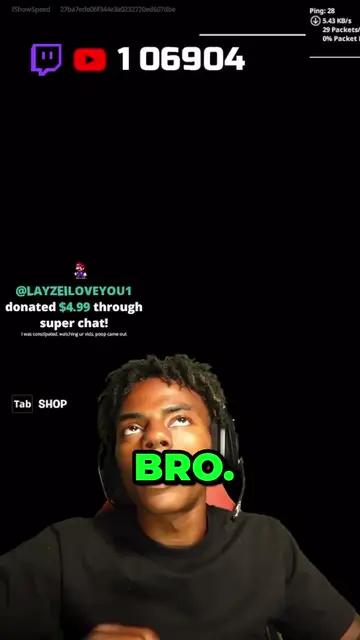
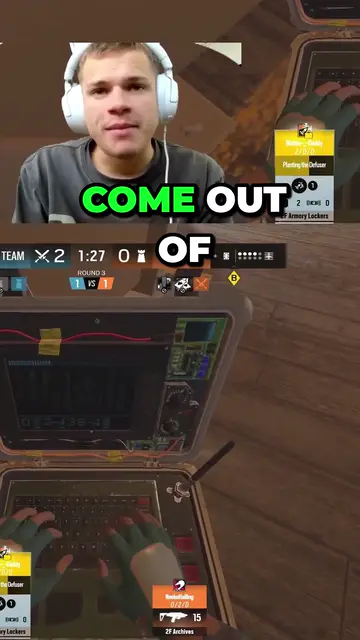
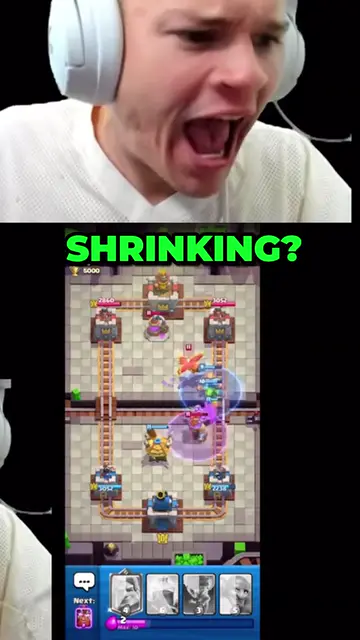
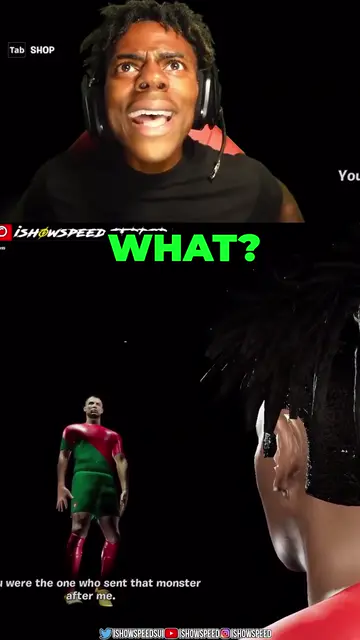
Real outputs made with Mossclip. The creators shown are not affiliated with Mossclip.
Sign up with Google and your first 30 minutes are free. Join our Discord for two hours and two styled clips.
Get clipsA VOD link in, new clips out
Use the link of a finished recording anyone can watch. You get new clips at 1080 × 1920, captioned and ready to download. You do not need to save the recording first.
Camera on top, game below
For a stream with a camera over the game, clips can keep the reaction above the play. The examples on this page show real stream clips. You can adjust both crops.
No watermark
The clips have no Mossclip watermark. Captions are included in the video you download.
Twitch and YouTube work too
Have the recording on another platform? Paste the link of a finished Twitch stream or a YouTube video. Once the clips are ready, you choose where to post them.
Questions.
Can I paste a Kick clip link?
No. Mossclip makes new clips from the finished recording; it does not import clips that already exist. Paste the VOD link, not the clip link.
Does it work with a past stream?
Yes, if the finished recording is still available for anyone to watch on Kick. Paste the VOD link from the channel's videos.
Is there a watermark?
No. The clips have no Mossclip watermark.
How long can the stream be?
A longer recording is accepted by its link. Each job uses up to two hours: choose the part, then run another job for the next part.
Is it free to start?
Sign up with Google and your first 30 minutes of video are free. Join our Discord server and that becomes two hours, plus two styled clips, once. Paid plans start at $9 a month.
Can I download the whole stream?
This page is for making and downloading vertical clips with captions. It does not offer the complete VOD as a file.
Your next clip
is already
recorded.
Sign up with Google and your first 30 minutes are free. Join our Discord for two hours and two styled clips.