The short version.
- 1
Mark the complete thoughts
Listen for a question with its whole answer, a story with an ending, or one clear claim. Note where each one starts and stops.
- 2
Open on the strongest sentence
Start the clip where the point is first stated, not at the warm-up. Cut the filler in front of it.
- 3
Frame and caption
Crop to 9:16 on whoever is speaking, and caption every word.
- 4
Keep the best few
Export at 1080 by 1920 and post the strongest clips first.
What comes out.
Each of these came out of a longer video, already cut, titled and captioned.
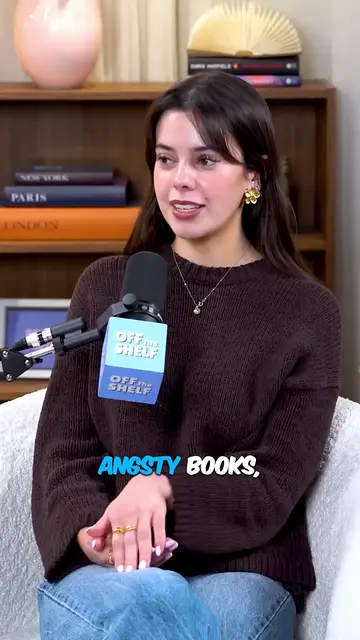
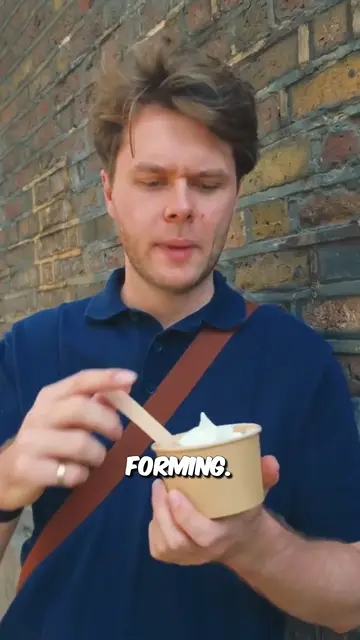
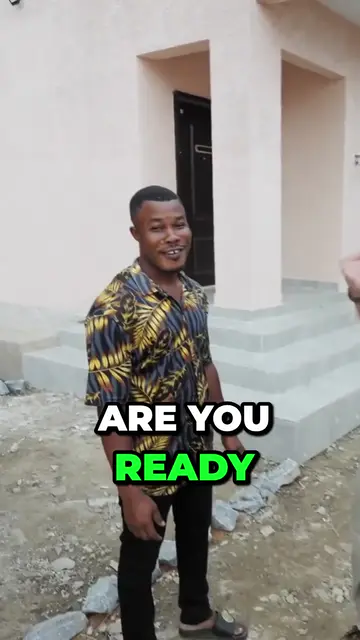
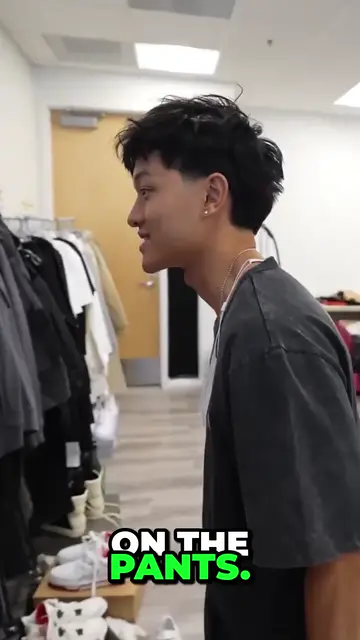
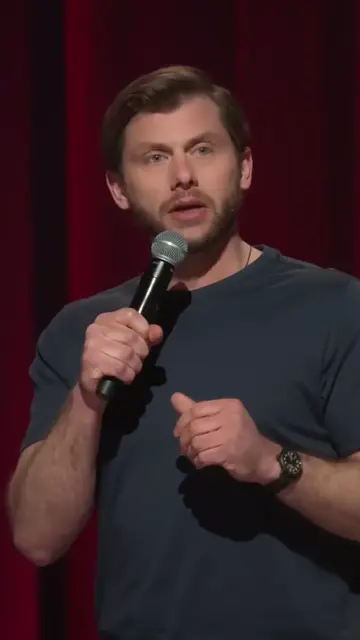
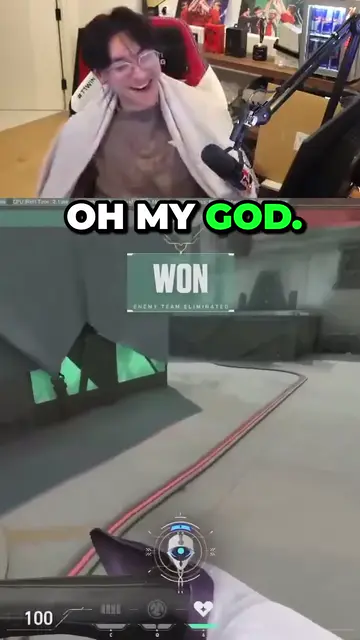
Real outputs from the beta. The creators shown are not affiliated with Mossclip.
Free during the closed beta. Sign in, join the Discord, press one button and you’re in.
Get clipsWhat makes a podcast moment travel
A clip is watched by people who have never heard the show. It has to make sense with nothing before it and nothing after it. That is the test for every candidate: a complete thought that a stranger can follow.
In an interview that usually means keeping the question with its answer. An answer that starts mid-thought leaves the viewer working out what was asked. The question is the setup and the answer is the payoff.
Then look at the first sentence. If the clip opens on a warm-up, a thank-you or a half-finished sentence, move the start to the sentence that states the point.
- A question and its whole answer.
- A story with a beginning and an ending.
- One claim, stated plainly, with the reason for it.
- A disagreement where both people get their say.
How long a clip should be
Let the thought set the length: long enough to finish it, and no longer. Cut the false starts, the repeated words and the side remarks, and stop at the end of the point, not a sentence later.
For the upper limit, YouTube's help pages say a vertical or square video of up to three minutes is categorised as a Short. Check the current limits of the other apps you post to before you plan a longer clip.
Captions
Caption every word. A podcast clip is all speech, and a viewer with the sound off gets nothing without the words on screen. Show a few words at a time, in step with the voice, and keep them clear of the speaker's face.
Then read them. Automatic transcription can get names, brands and technical terms wrong, and a misspelt guest name is easy for a fan to spot. Fix those by hand before you export.
Framing two speakers on a phone
Many podcasts are filmed as a wide shot of two people side by side. A phone screen is tall. Crop the middle of the wide shot to 9:16 and you get the table between them.
Crop to the person who is speaking, and move the crop when the speaker changes. Leave a little room above the head and space low in the frame for the captions. If the episode was recorded with a separate camera on each person, use the camera on the speaker.
Hold on the listener only when the reaction is the point, such as a laugh or a look of disbelief. The rest of the time the viewer should be looking at whoever is talking.
How Mossclip does it
Give Mossclip the episode as a video. Paste a YouTube, Twitch or Kick link, or upload a recording as an MP4 or MOV. You can say what you are after in one sentence before the job, such as the guest's story or the argument about pricing. One job takes up to two hours of recording, and a longer episode is accepted by its link: you choose which part to clip.
It finds the moments from the transcript and returns them as vertical clips at 1080 by 1920, between 15 seconds and 3 minutes long, each with a title and every word captioned. The crop follows the person speaking. In one job a 59-minute interview gave 36 candidate moments, of which the best 9 were kept.
In the editor, delete the false start or the side remark from the transcript and the video loses those seconds. Captions come in nine styles and can be restyled or rewritten, so a misspelt name is a quick fix. Then export again. Clips stay available for 15 days.
Questions.
How long should a podcast clip be?
As long as one complete thought needs, and no longer. YouTube categorises a vertical or square video of up to three minutes as a Short, and Mossclip makes clips between 15 seconds and 3 minutes long.
How many clips can one episode give?
It depends on the episode. In one job a 59-minute interview gave 36 candidate moments, of which the best 9 were kept.
How do I frame two people in a vertical clip?
Crop to the person speaking and move the crop when the speaker changes. Mossclip gives podcasts and interviews a crop that follows the speaker.
What do I need to start?
The episode as a video. Paste a YouTube, Twitch or Kick link, or upload a recording as an MP4 or MOV.
Can I choose what the clips are about?
Yes. Tell Mossclip what you are after in one sentence before the job starts.
Is Mossclip free?
Mossclip is free during its closed beta. Join the Discord server, press one button, and your account is open.
Sources, read on 4 October 2026: YouTube Help: three-minute Shorts.
Your next clip
is already
recorded.
Free during the closed beta. Sign in, join the Discord, press one button and you’re in.