How to choose.
- 1
Getting the recording in
A stream ends as a long recording on YouTube, Twitch or Kick. A tool that takes the link saves a download and an upload. Check which platforms it takes by link, and whether it wants a channel connected.
- 2
Finding moments nobody narrated
On a stream the clip is often a scream, a clutch or a silence before something goes wrong. Ask whether the tool listens and looks at the screen, or only reads the transcript.
- 3
Keeping the facecam and the game
A vertical crop of the centre loses the camera in the corner. Look for a layout that stacks the camera over the gameplay, and check whether you can move both crops and reuse the result.
- 4
Fixing a clip fast
Every batch needs small fixes: a slow start, a wrong word in a caption. See how a clip is trimmed and how its captions are changed.
What comes out.
Each of these came out of a longer video, already cut, titled and captioned.
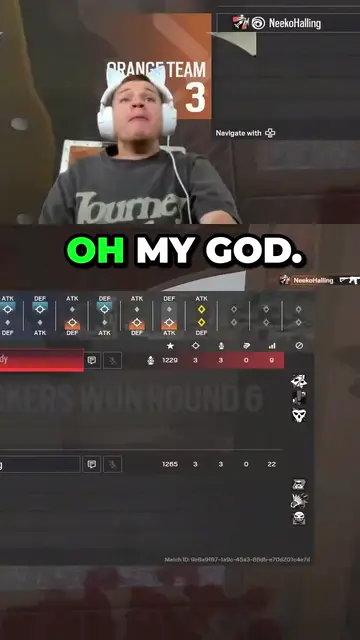
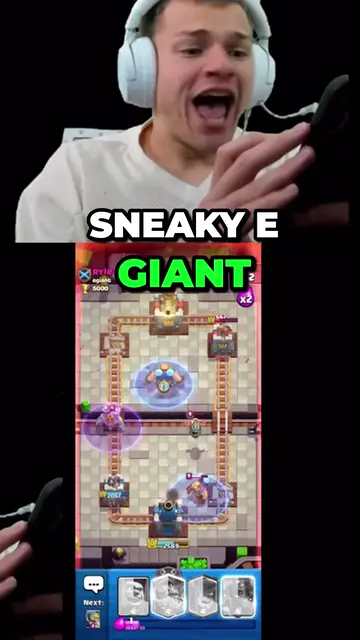
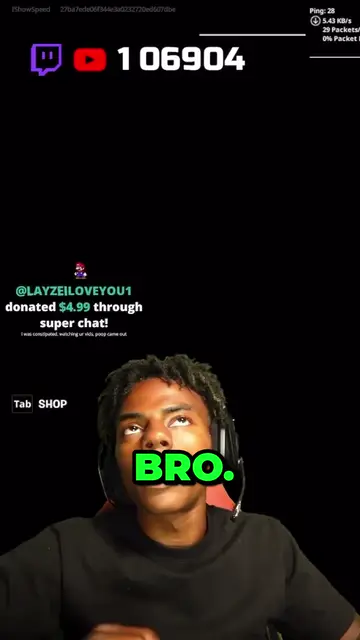
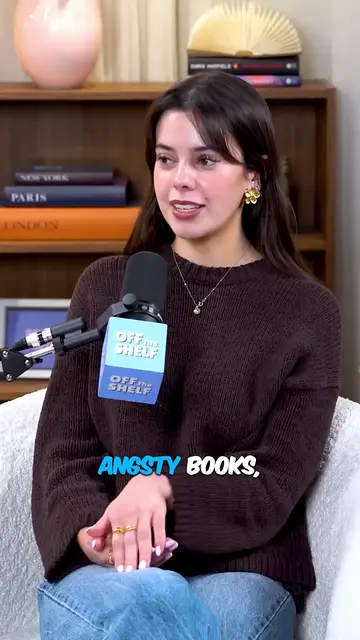

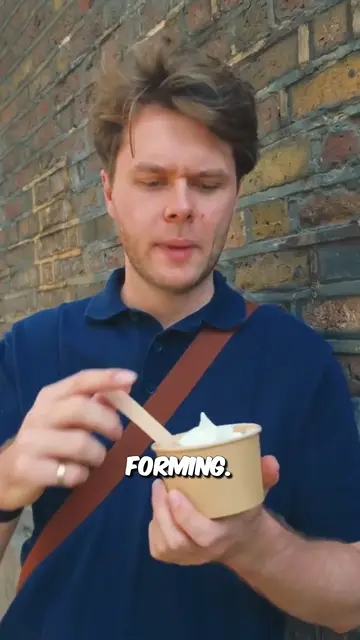
Real outputs from the beta. The creators shown are not affiliated with Mossclip.
Free during the closed beta. Sign in, join the Discord, press one button and you’re in.
Get clipsMossclip
Mossclip works on the recording of a finished stream. Paste a YouTube, Twitch or Kick link, or upload a recording as an MP4 or MOV. One job takes up to two hours of recording. A longer recording is accepted by its link: the whole recording appears as a strip, and you choose the part by dragging the block, pressing a chapter if the recording has them, or typing the times.
It finds the moments from the transcript, and on streams also from the sound and the picture, so a clutch or a jump scare with nothing said is still found. You can brief it in one sentence before the job starts.
Each clip comes back vertical at 1080 by 1920, between 15 seconds and 3 minutes long, with a title and every word captioned. The facecam can sit in a bordered box or be a cut-out of the streamer over the game; both are found.
- Finds the facecam wherever it sits and stacks it over the game. Drag either crop, save the layout, apply it to the whole batch, and pick it again for the next job.
- Delete words in the transcript and the video loses exactly those seconds. Nine caption styles, every word editable.
- Podcasts, interviews and vlogs get a crop that follows the speaker.
- Clips stay available for 15 days.
- Mossclip is free during its closed beta. Join the Discord server, press one button, and your account is open.
StreamLadder
StreamLadder says it is built specifically for live streaming, with direct Twitch and Kick import, YouTube stream upload and gaming templates. Its AI clipper, ClipGPT, analyses the whole recording, scores each moment it finds from 0 to 100 for virality, and can be tried free for 7 days. Its facecam detection finds the webcam in the frame and keeps the face positioned in each vertical crop, and its Clip Editor runs in the browser. A YouTube stream goes in there as a file you upload; Mossclip takes its link.
Eklipse
Eklipse is built around connecting your own Twitch, Kick or YouTube channel. It clips gaming streams first, tuned per game, and has a separate YouTube and podcast feature. In its Studio you pick a layout (full-frame, split, or facecam stacked over gameplay) and trim with in and out points on a timeline, and with Voice Command you say what you want during the live stream. Mossclip asks for a recording's link instead of a channel, so it also works on recordings from channels you do not own.
WayinVideo
WayinVideo is an AI clip maker with a gaming clip generator that supports Twitch, Kick and YouTube Gaming links. It says its AI analyses the stream with video understanding, not only transcripts, and that it is optimised for League of Legends, Valorant, CS2, Fortnite and GTA V. It can isolate the camera footage, place it at the top and put the gameplay below, and its editor offers text-based editing and a visual timeline. Mossclip has no list of games, and during its beta it exports the full 1080 by 1920 where WayinVideo's free plan exports at 720p.
OpusClip
OpusClip turns long videos into short clips; it says it analyses a long video against current social trends and identifies the highest-potential moments. Its help centre lists YouTube, Twitch and Kick among the links it supports, and its pricing page shows Twitch as an import source on the Pro plan. Its layouts include Gameplay, with the speaker on the top 30% of the frame and the gameplay on the lower 70%, and its editor has text-based editing and a timeline. Mossclip finds the facecam wherever it sits, lets you move both crops, and saves the layout for the streamer's next job.
Choppity
Choppity turns podcasts and long-form videos into short clips, from a YouTube, Vimeo or Twitch link or a file you upload. Its AI clip maker for gaming scans gameplay recordings and stream VODs, and its speaker tracking detects the facecam and keeps it centred when the clip is converted to vertical. Editing is by text: delete a word in the transcript and it is cut from the video. Its gaming page says it analyses audio reactions rather than the gameplay visually; Mossclip also looks at the picture, and stacks the facecam over the game instead of cropping to the face.
quso.ai
quso.ai, formerly vidyo.ai, says it turns a long video, podcast episode or stream into short captioned clips, and that it is built for coaches, churches, podcasters, small businesses and agencies. Its Twitch clip generator page says the AI identifies key highlights, emotional reactions and gameplay wins, and ranks moments by a virality score. Its CutMagic feature has nine layout types, grouped as speaker, screen and fit layouts, and its editor updates the video when you delete or hide sections of the transcript. Its help desk says videos without any spoken word will likely not process; Mossclip finds stream moments from the sound and the picture too.
Ssemble
Ssemble takes a link from YouTube, Vimeo, Kick or Twitch, or a file you upload, and its Auto Curation detects moments and turns them into short clips. Face Tracking keeps faces centred in vertical formats, and Game Video adds gameplay footage, such as Minecraft or Subway Surfers, at the bottom of a clip. It adds captions automatically, and its caption tool lets you fix any word, adjust the timing and change the style in the browser. Mossclip stacks the streamer's own camera over their own gameplay, and takes up to two hours of recording in one job.
How this guide was written
Everything said here about a tool other than Mossclip comes from that tool's own pages, read on 4 October 2026 and listed at the foot of this page. The tools are given without scores or rankings. Features and plans change, so check each site before you decide.
Questions.
What is the best AI clipping tool for streamers?
It depends on what your stream needs. Mossclip is built for gameplay streams: it takes the recording by link, finds moments from the words, the sound and the picture, stacks the facecam over the gameplay, and cuts a clip when you delete words from its transcript.
Which tools keep the facecam and the gameplay in one vertical clip?
Mossclip finds the facecam and stacks it over the gameplay, and both crops can be moved, resized and saved as a layout for the streamer's next job. By their own pages, WayinVideo places the camera at the top with the gameplay below, OpusClip has a Gameplay layout with the speaker on the top 30% of the frame, and Eklipse offers a layout with the facecam stacked over gameplay.
Which tools find stream moments where nothing is said?
Mossclip finds moments from the sound and the picture as well as the transcript, so a play with no commentary is still found. WayinVideo says its gaming clip generator uses video understanding, not only transcripts.
Can I clip a Twitch or Kick stream from a link?
Yes. Paste the link of the finished recording on Twitch or Kick. There is nothing to download or upload. For Twitch, that is the address with twitch.tv/videos in it. Streams on YouTube are clipped from their link too.
How long can the stream be?
One job takes up to two hours of recording. A longer recording is accepted by its link: you choose which part to clip, and can run another job for another part.
Is Mossclip free?
Mossclip is free during its closed beta. Join the Discord server, press one button, and your account is open.
Sources, read on 4 October 2026: StreamLadder, StreamLadder ClipGPT, StreamLadder vs Opus Clip, Eklipse Twitch clip maker, Eklipse Studio, Eklipse vs OpusClip, WayinVideo, WayinVideo pricing, WayinVideo gaming clip generator, WayinVideo editor, OpusClip editor, OpusClip pricing, OpusClip help: video sources, OpusClip help: layout and reframing, Choppity, Choppity AI clip maker, Choppity AI clip maker for gaming, quso.ai, quso.ai Twitch clip generator, quso.ai help desk, Ssemble, Ssemble Twitch clipping tool, Ssemble caption generator.
Your next clip
is already
recorded.
Free during the closed beta. Sign in, join the Discord, press one button and you’re in.