Link in. File out.
- 1
Paste the stream's link
Use the link of the finished stream on YouTube. If it is longer than two hours, pick the part to clip. Leave clip length on auto or choose a range.
- 2
Get a batch of clips
Mossclip reads the transcript, and on streams also listens and watches, so a moment with no words is still found. Each clip comes back cut vertical, titled and captioned.
- 3
Fix what needs fixing
Open a clip to move the facecam or game crop, delete words to tighten it, or change the caption style.
- 4
Download and post
Export 1080 by 1920 with the captions burned in, one clip or the whole batch, ready for Shorts, TikTok and Reels.
What comes out.
Each of these came out of a longer video, already cut, titled and captioned.
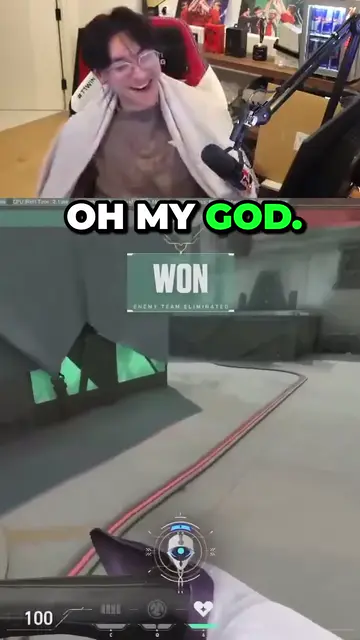
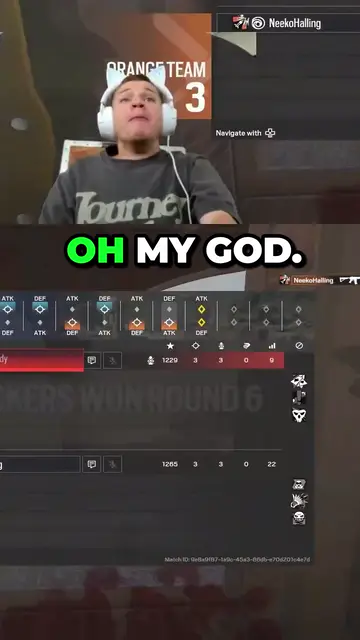
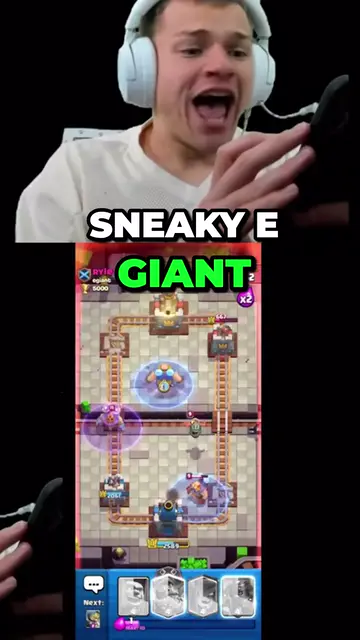
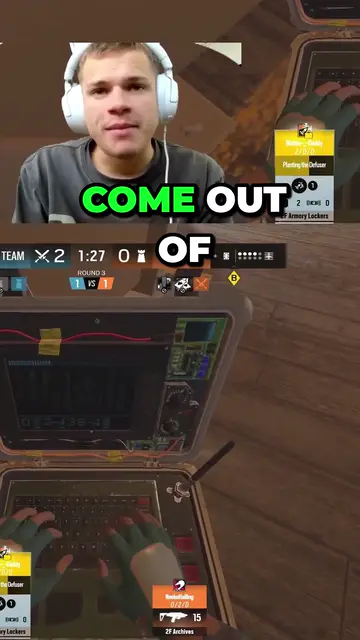
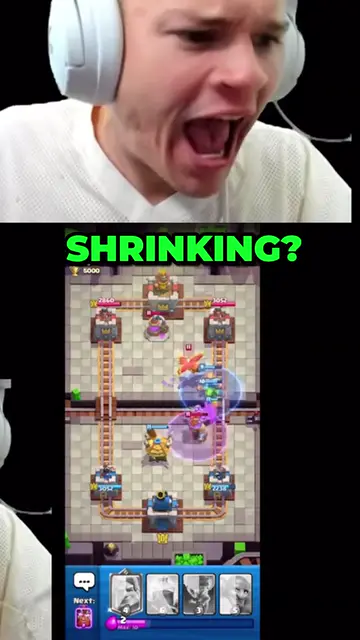
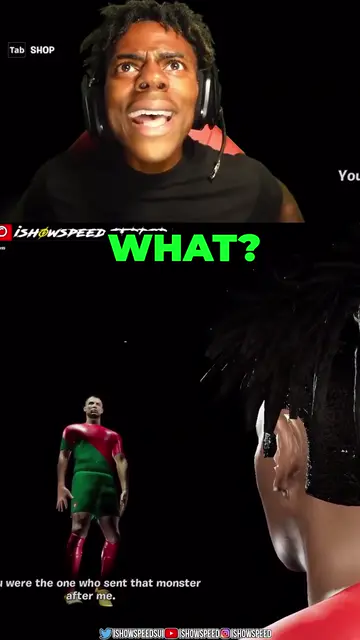
Real outputs made with Mossclip. The creators shown are not affiliated with Mossclip.
Sign up with Google and your first 30 minutes are free. Join our Discord for two hours and two styled clips.
Get clipsAny length of stream
The best thirty seconds of a long stream are easy to recognise and slow to find. Scrubbing for them is why clips go out days late or not at all.
Mossclip takes up to two hours of it in one job, and you do not mark the moments first.
A longer stream is accepted too. The whole recording appears as a strip: drag the block over the part you want, press one of the video's chapters if it has them, or type the start and end times. Run another job for another part.
The facecam stays in the clip
A horizontal stream cropped to vertical loses either the streamer or the game. Mossclip finds the camera panel and stacks it over the gameplay, so the reaction and the play are both on screen. Drag either crop if you want it elsewhere, save it as a layout, apply it to the rest of the batch, and pick it again for the next stream.
Moments nobody narrated
A clutch does not come with a sentence. Mossclip listens for the loud moments and looks at the screen as well as reading the transcript, so the plays are found along with the punchlines.
Questions.
Is there a watermark on the clips?
Clips come out clean: the full 1080 by 1920 with no watermark.
How long can the stream be?
Any length. One job takes up to two hours, so for a longer stream you choose which part to clip, and you can run another job for another part.
How long are the clips?
Between 15 seconds and 3 minutes. Leave the length on auto or choose a range before you start.
Does it keep both the facecam and the gameplay?
Yes. Mossclip finds the facecam and stacks it over the gameplay, and you can move either crop.
Can I clip a Twitch or Kick stream too?
Yes. Paste the recording's link on Twitch or Kick, or the channel itself while it is live: the latest two hours are clipped while the stream goes on. There is nothing to download or upload.
What does it cost?
Sign up with Google and your first 30 minutes of video are free. Join our Discord server and that becomes two hours, plus two styled clips, once. Paid plans start at $9 a month.
Your next clip
is already
recorded.
Sign up with Google and your first 30 minutes are free. Join our Discord for two hours and two styled clips.