Link in. File out.
- 1
Sign in with Google
With Google sign-in, your first 30 minutes of video are free.
- 2
Add a recording
Paste a YouTube, Twitch or Kick link, or upload a recording as an MP4 or MOV. Use the finished recording, not an existing Twitch clip link.
- 3
Check your clips
Review the captions and framing. Delete transcript words to shorten a cut.
- 4
Download without a watermark
Export the captioned vertical clips at 1080 by 1920.
What comes out.
Each of these came out of a longer video, already cut, titled and captioned.
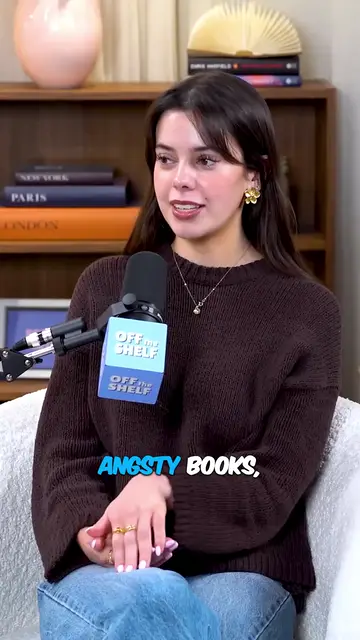
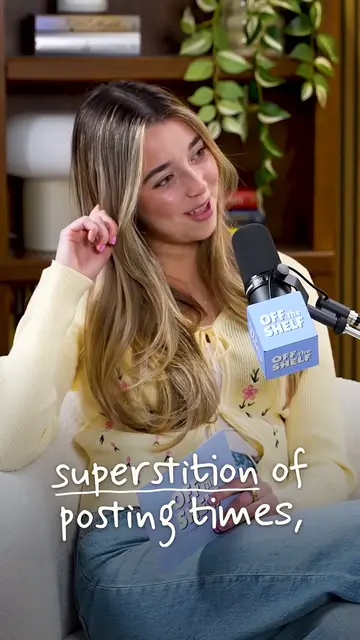
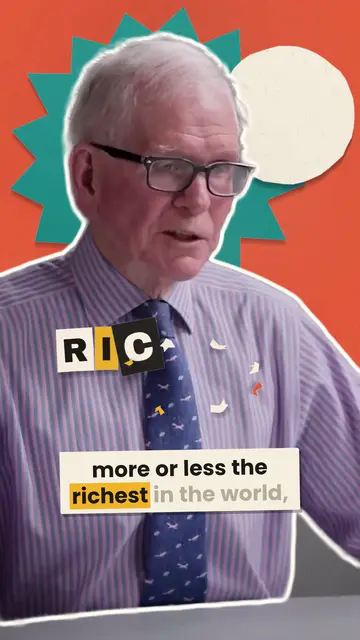
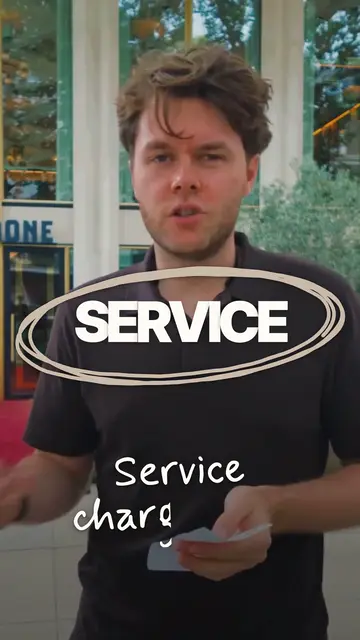
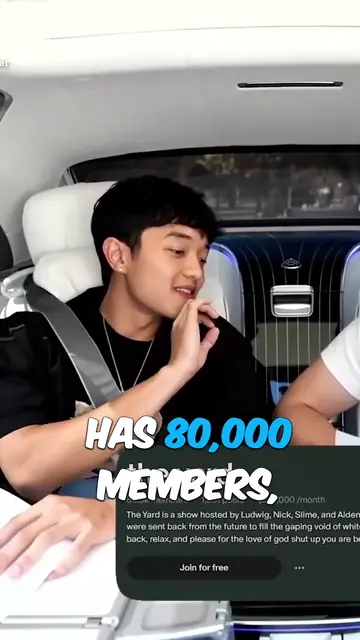
Real outputs made with Mossclip. The creators shown are not affiliated with Mossclip.
Sign up with Google and your first 30 minutes are free. Join our Discord for two hours and two styled clips.
Get clipsWhat the free allowance covers
The allowance is 30 minutes of source video at Google sign-in. It covers making ordinary captioned clips from that video. Every job counts as at least ten minutes of source video; your clips stay available for 15 days.
When you want more video
Buy 2 hours of source video for $5 once, without a subscription. Or choose a monthly plan from $9. The hours pack does not expire. Styled looks use a separate styled-clip allowance.
Questions.
Is this an AI clip maker that is free with no watermark?
Yes. Sign in with Google and your first 30 minutes of video are free. Captioned clips export at 1080 by 1920 with no watermark. After that allowance, buy the $5 pack for 2 hours of video or choose a plan.
Do I need to sign in?
Yes. Google sign-in gives you the free video allowance. Email sign-in is also available, but does not grant that Google signup allowance.
Which videos can I clip?
Paste a YouTube video link, a Twitch VOD link or a Kick recording link, or upload an MP4 or MOV. Use video you own or have permission to clip. Existing Twitch clip links and live broadcasts are not supported.
Is the free plan unlimited?
No. Sign up with Google and your first 30 minutes of video are free. Join our Discord server and that becomes two hours, plus two styled clips, once. Paid plans start at $9 a month. The separate hours pack costs $5 for 2 hours, paid once.
How long can the source video be?
One job takes up to two hours of recording. A longer recording is accepted by its link: you choose which two hours to clip, then run another job for the next part, so the whole recording gets clipped in a few jobs.
Your next clip
is already
recorded.
Sign up with Google and your first 30 minutes are free. Join our Discord for two hours and two styled clips.