Side by side.
Riverside details are from its own site, read on 4 October 2026. Plans change; check riverside.com before you decide.
What comes out.
Each of these came out of a longer video, already cut, titled and captioned.
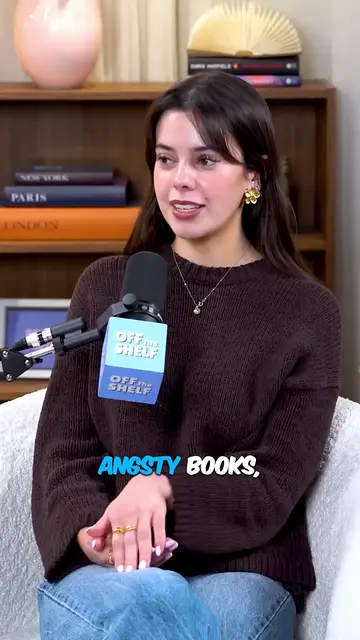
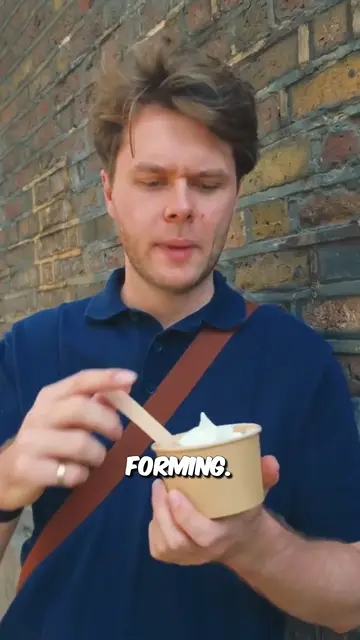

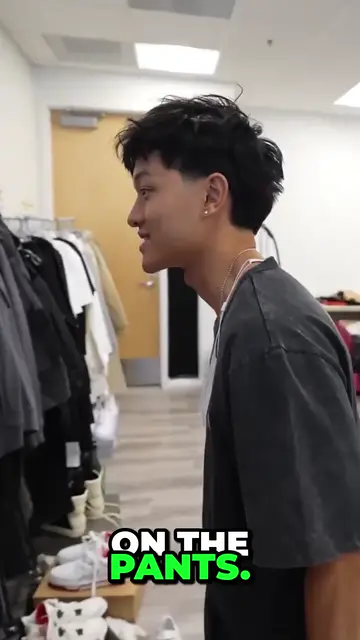
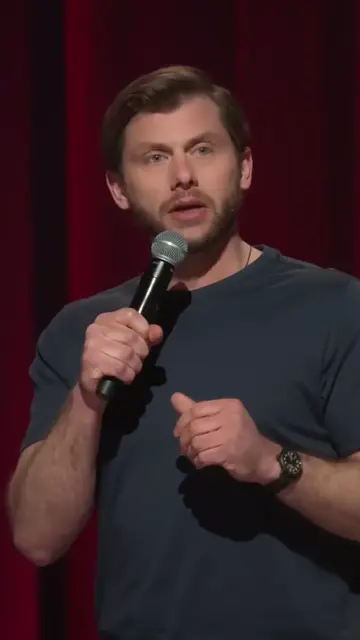

Real outputs from the beta. The creators shown are not affiliated with Mossclip.
Free during the closed beta. Sign in, join the Discord, press one button and you’re in.
Get clipsThe episode is already out there
Riverside is built around its studio. You record there, and Magic Clips works on that recording or on a file you upload.
Often the episode is already published. Mossclip takes its YouTube link, or the file, and starts. Riverside's help centre says a YouTube video cannot be transcribed from its link at the moment, and suggests downloading it first.
Judge it at full quality
Riverside's free plan exports up to 720p with a Riverside watermark. During the beta Mossclip gives you the real output: 1080 by 1920, every word captioned, kept for 15 days.
Say what you are after
Before the job starts you can write one sentence, such as the money advice or the argument about the ending, and Mossclip looks for that. It keeps the question with its answer instead of cutting on a timer.
Then cut by deleting words
Each clip opens with its transcript beside the video. Delete words and the clip loses exactly those seconds. Captions come in nine styles, and any word can be retyped.
Why people pick Mossclip over Riverside
- Starts from a link or a file you already have.
- Full 1080 by 1920 exports while it is free.
- A one-sentence brief before the job.
- Cut a clip by deleting its words.
Questions.
Is Mossclip a free Magic Clips alternative?
Yes, during the closed beta. Mossclip is free during its closed beta. Join the Discord server, press one button, and your account is open.
What do I need to start?
An episode that already exists. Paste a YouTube, Twitch or Kick link, or upload a recording as an MP4 or MOV.
What quality are the clips?
1080 by 1920 with every word captioned, between 15 seconds and 3 minutes long.
How long can the episode be?
Up to two hours of recording per job. For a longer recording you pick the part to clip.
Can I choose what the clips are about?
Yes. Describe what you are after in a sentence before the job starts.
Can I edit by text?
Yes. Delete words from the transcript and the video loses exactly those seconds.
Sources, read on 4 October 2026: Riverside Magic Clips, Riverside pricing, Riverside help: About Magic Clips, Riverside help: upload a file, Riverside help: YouTube links, Riverside help: adjust a Magic Clip.
Your next clip
is already
recorded.
Free during the closed beta. Sign in, join the Discord, press one button and you’re in.