After the stream ends.
- 1
Paste the stream
The link of the finished stream on Twitch, Kick or YouTube. An MP4 or MOV file works too.
- 2
Get the moments
Mossclip reads what you said, listens for the loud parts and looks at the screen, so plays with no commentary are found too.
- 3
Check the layout once
Your camera is stacked over the game. Move it if you like, save it, and pick it again for every later stream.
- 4
Post
Download at 1080 by 1920 with captions burned in.
What comes out.
Each of these came out of a longer video, already cut, titled and captioned.
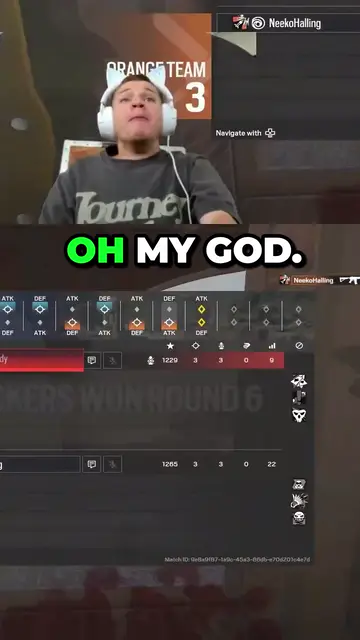
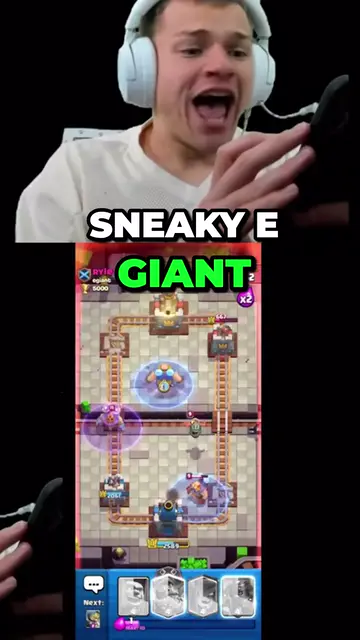
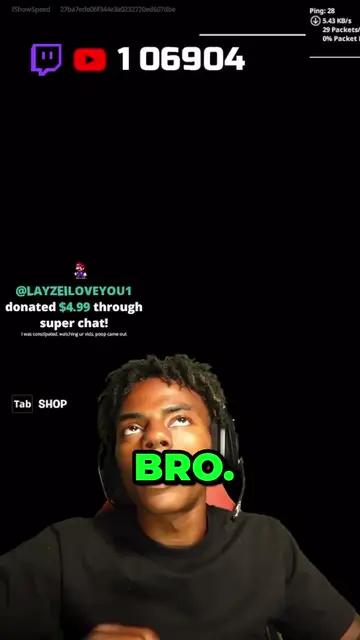
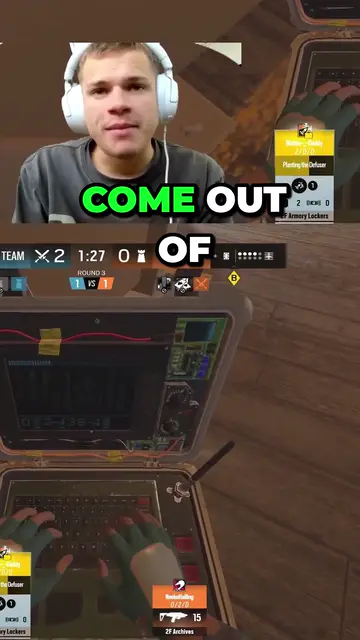
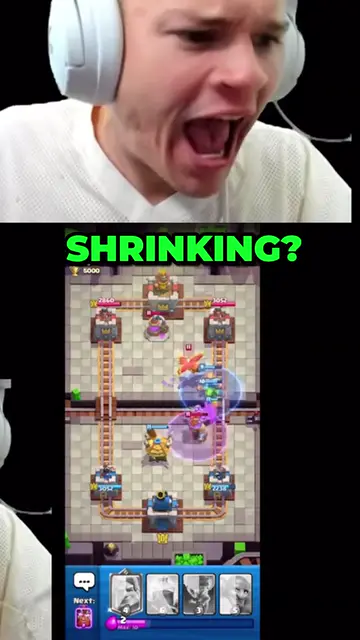
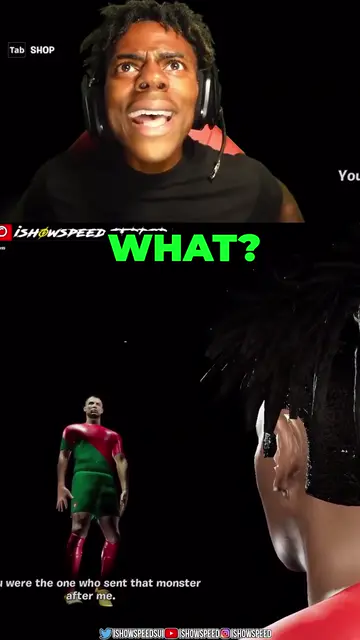
Real outputs made with Mossclip. The creators shown are not affiliated with Mossclip.
Sign up with Google and your first 30 minutes are free. Join our Discord for two hours and two styled clips.
Get clipsPost while it is still fresh
A clip from last night's stream is worth more than one from last week's. Paste the link when the stream ends and Mossclip searches up to two hours of it in one job, so the clips are ready when you are, not after an evening of scrubbing.
Your face and your game
Viewers come for the reaction and the play together. Mossclip finds your camera panel, whether it is a bordered box or a cut-out, and stacks it over the gameplay.
Any game you play
There is no list of supported games. Moments are found from the words, the sound and the picture, so a brand-new release is clipped like an old favourite.
Questions.
Is there a watermark on the clips?
Clips come out clean: the full 1080 by 1920 with no watermark.
Do I need to install anything or connect my channel?
No. It runs in the browser from a link or a file.
I stream on Twitch or Kick. Can I use it?
Yes. Paste the link of the stream's recording on Twitch or Kick. There is nothing to download or upload, and no channel to connect.
How long can the stream be?
Any length. One job takes up to two hours, so for a longer stream you choose which part to clip: drag a block along the recording, press one of its chapters if it has them, or type the times. Run another job for another part.
Can I change a clip after it is made?
Yes. Cut it by deleting words from the transcript, move the camera and game crops, and change the caption style.
What does it cost?
Sign up with Google and your first 30 minutes of video are free. Join our Discord server and that becomes two hours, plus two styled clips, once. Paid plans start at $9 a month.
Your next clip
is already
recorded.
Sign up with Google and your first 30 minutes are free. Join our Discord for two hours and two styled clips.