Link in. File out.
- 1
Give it the recording
Paste a YouTube, Twitch or Kick link, or upload a recording as an MP4 or MOV. Use footage you own or have permission to clip.
- 2
Get the moments
Write a brief about what you want. The job returns a batch of captioned vertical clips.
- 3
Review the cuts
Open each clip in the editor. Delete transcript words to tighten the cut and restyle the captions.
- 4
Download your Shorts
Export at 1080 by 1920 with no watermark, then post from your own account.
What comes out.
Each of these came out of a longer video, already cut, titled and captioned.
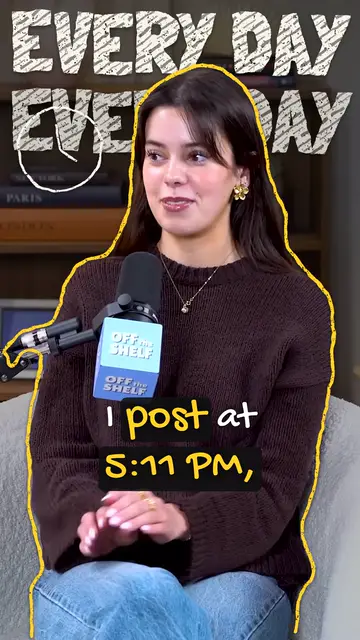
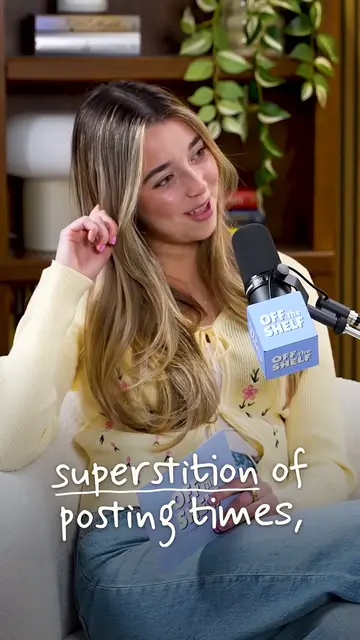

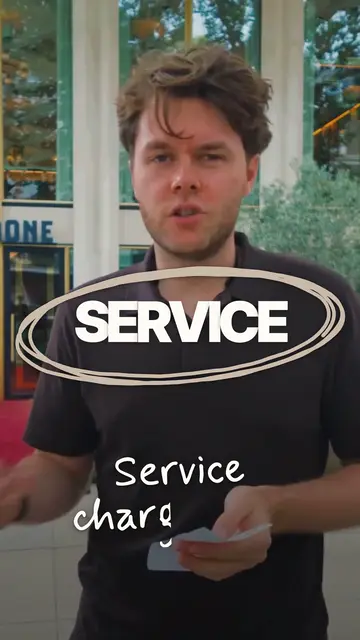
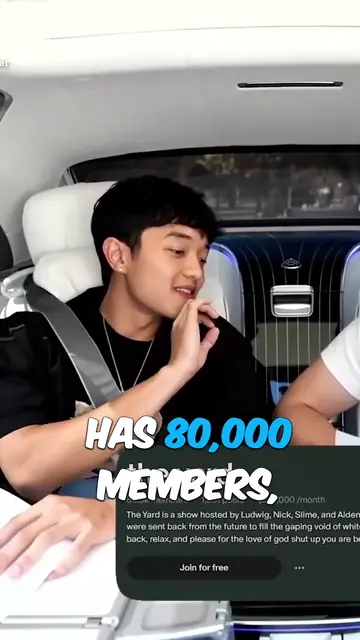
Real outputs made with Mossclip. The creators shown are not affiliated with Mossclip.
Sign up with Google and your first 30 minutes are free. Join our Discord for two hours and two styled clips.
Get clipsA short clip needs a complete thought
Start with a recording that contains a story, an exchange or a moment worth replaying. Review the opening and ending of each suggested clip so it makes sense to someone who has not watched the long video.
Frame and caption for a phone
Each clip is vertical, with word-by-word captions. Two speakers filmed side by side can be stacked; a gaming stream can keep the facecam above the gameplay. Check the framing and caption words in the editor before downloading.
Questions.
How do I turn a long video into Shorts?
Paste a supported recording link or upload an MP4 or MOV to Mossclip. It finds moments and makes captioned vertical clips. Review the cuts, edit by deleting transcript words, then download your Shorts.
Which recording links can I use?
YouTube videos, Twitch VODs and Kick recordings. Use the finished recording's link; existing Twitch clip links and live broadcasts are not supported.
What if my recording is longer than two hours?
One job takes up to two hours of recording. A longer recording is accepted by its link: you choose which two hours to clip, then run another job for the next part, so the whole recording gets clipped in a few jobs.
Is there a watermark on the Shorts?
Clips come out clean: the full 1080 by 1920 with no watermark.
Can I try it before paying?
Yes. Sign in with Google for your first 30 minutes of video free. Then choose the $5 pack for 2 hours of video or a plan from $9 a month.
Your next clip
is already
recorded.
Sign up with Google and your first 30 minutes are free. Join our Discord for two hours and two styled clips.