Long video in. Clips out.
Mossclip finds the moments in a stream, podcast or vlog, cuts them vertical and captions every word. You get the final edit.
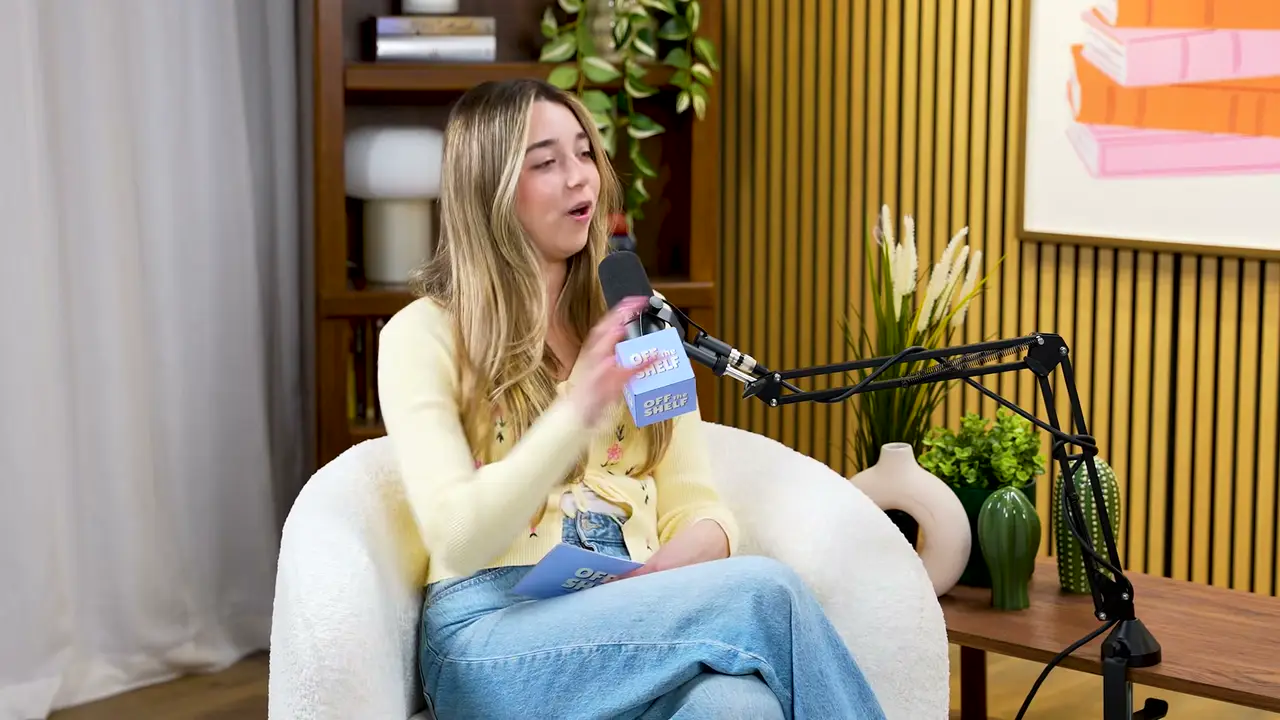
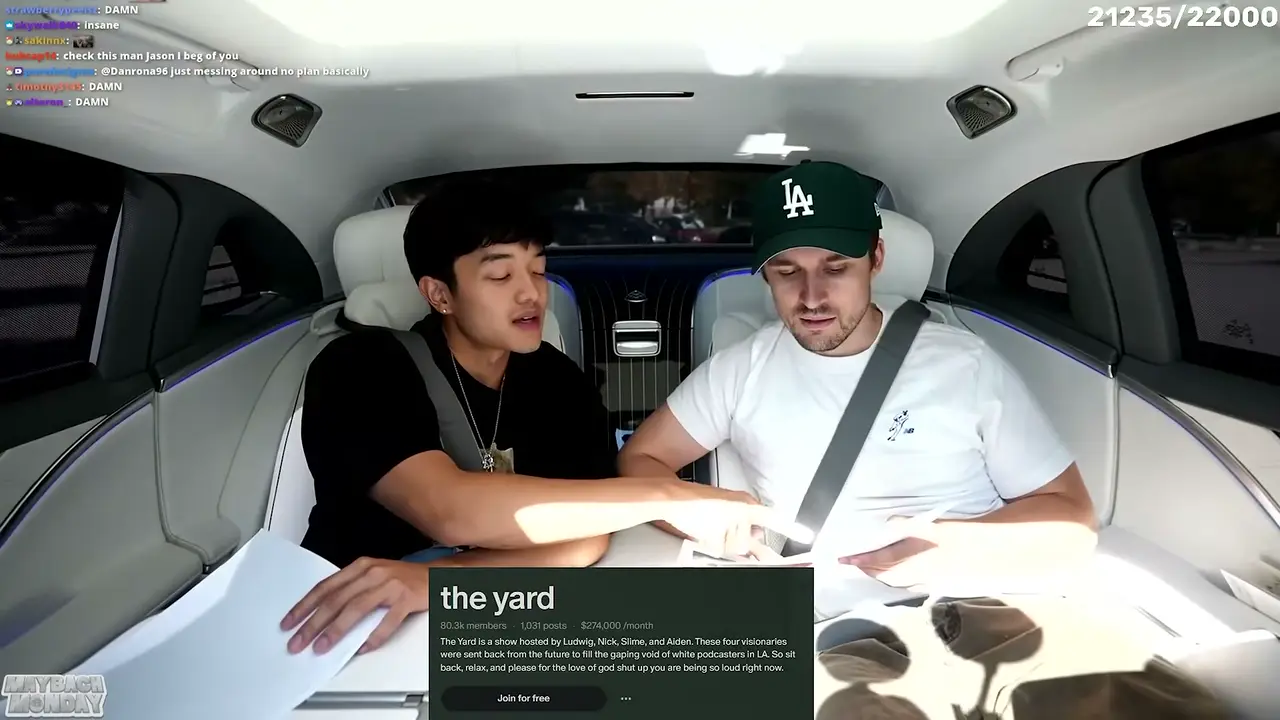
A looping demonstration, shown in turn on a gaming stream, a podcast and a car interview. The long video runs past as a strip of frames and slows on one moment. Mossclip boxes what it will keep of the frame (the streamer’s camera and the gameplay, or the person speaking), lifts it out and turns it into a vertical clip. Captions appear word by word in three styles, a filler word is cut from the transcript, and the clip joins four others.



- 15 s to 3 min clips
- 9 caption styles
- Every word timed
- 1080 × 1920
Streams. Podcasts.
Vlogs. Stand-up.
Each of these came out of a longer video, already cut, titled and captioned.
Real outputs from the beta. The creators shown are not affiliated with Mossclip.
Link in.
File out.
Start with the long one
Paste a YouTube link or upload the file. Leave the rules on auto, or say what you're after in a sentence.
youtu.be/z-ppLuisuq4Get clipsStuck In A Maybach With Ludwig!YouTube · 59:28Genre Auto detectClip length Auto (15s–3m)Include specific momentsthe moments where they talk about money
Reading the video0%Get a batch, not a guess
This is a real job. Mossclip read a 59-minute interview, found 36 moments and kept the best 9, each cut vertical, captioned and titled.
Stuck In A Maybach With Ludwig! · 59:2813,229 words read36 found. 9 kept.
- 1Why Group YouTube Channels Fail1:22
- 2Why Copying Content Works (And When It Fails)1:20
- 3The Nightmare of Talent Acquisition for Big Streamer Events1:11
- 4When Money and Success Change Your Best Friend1:00
- 5How We Built a $270k/Month Patreon Podcast1:06
- 6Why I Had to Shut Down My Studio and Fire 30 People1:06
- 7How to Actually Set Boundaries with Your Live Chat1:07
- 8Creating a Massively Successful Segment for Kai Cenat's MafiatHon1:05
- 9The Hidden Costs and Risks of Running a $1.5M Chess Boxing Event0:40
Cut by deleting words
The transcript sits beside the video. Select words, press Backspace, and the clip loses exactly those seconds.
waybetter.ScriptBackspaceThat's not bad. I give it that, like, a a seven and a half. This this is, like, way way better.
0:04.11.2 s shorter
Leave with a file
Export renders 1080 × 1920 with the captions burned in. Download one clip or the whole batch.
How We Built a $270k/Month Patreon Podcast- Size
- 1080 × 1920
- Length
- 1:06
- Captions
- Burned in
Ready100%Download9 of 9 saved
Same clip.
Nine captions.
Captions are timed to each word, so any style can follow the voice. Pick one and watch it on a real clip.
A browser preview of Mossclip’s caption styles on a real clip. Exports are drawn by the caption renderer.
Style Karaoke
For whoever holds
the footage.
Clipping agencies
Turn a client's two-hour recording into a batch of clips you can review, fix and deliver.
Clippers
Spend your hours on the edit that makes a clip land, not on scrubbing for it.
Creators
A stream with the facecam stacked over the game, or a vlog cut to its best minute.
Podcasters
Pull the exchanges worth replaying out of every episode, captioned and ready to post.
Questions.
What can I give it?
A YouTube link, or an MP4 or MOV upload. Podcasts, interviews, streams, vlogs and stand-up all work, and a recording can be up to two hours long.
How long are the clips?
Between 15 seconds and 3 minutes. Leave the length on auto, or choose a range before you start.
Can I change what the AI did?
Yes. Every clip opens in the editor, where you can cut words out of the transcript, restyle or rewrite the captions, and export again.
Does it work on gameplay streams?
Yes. Mossclip finds the facecam and stacks it over the gameplay, so a vertical clip keeps both the reaction and the play.
How long do my clips stay available?
Fifteen days from the day they are made. Download the ones you want to keep.
Can I use it for client work?
Yes, with footage you own or have permission to clip. The finished files are yours to deliver.
How do I get access?
Mossclip is in closed beta and access is through its Discord server. Press Get clips, join the Discord, press one button there, and your account is open.
What does the beta cost?
Nothing while it is a beta. Paid plans come later, and your account shows the credits a job will use before you start it.
Your next clip
is already
recorded.
Closed beta. Join the Discord and run your first video.