- 75 → 970MetRighteous TV's median Short views: his earlier Shorts, then the ten Mossclip made from one stream
Side by side.
Founding price Creator $19 a month instead of $29, for as long as you stay subscribed. On sale until 26 November 2026. Prices are before tax.
StreamClipped details are from its own site, read on 20 November 2026.
What comes out.
Each of these came out of a longer video, already cut, titled and captioned.
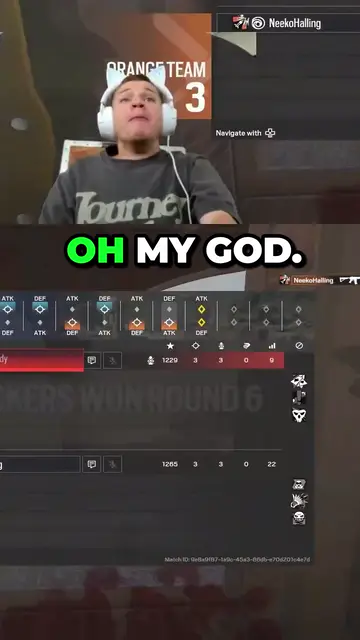
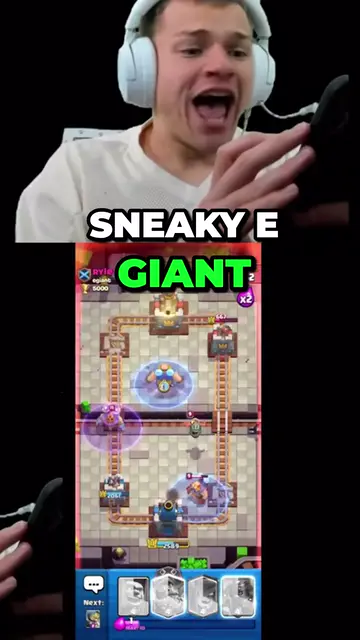
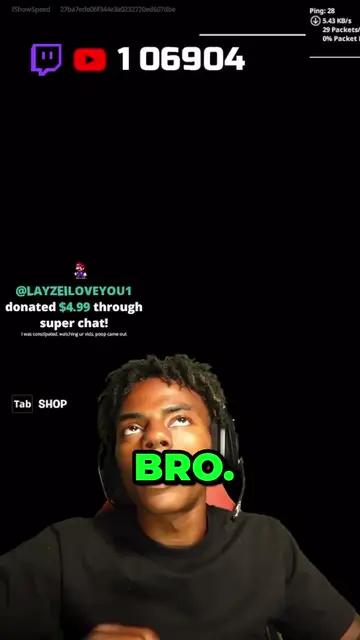
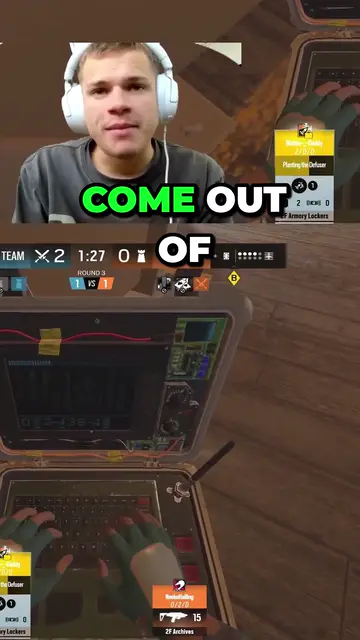
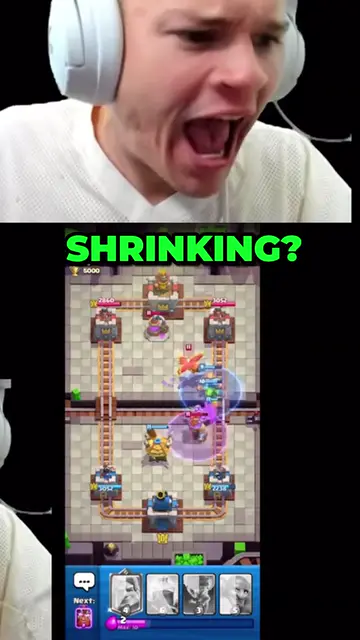
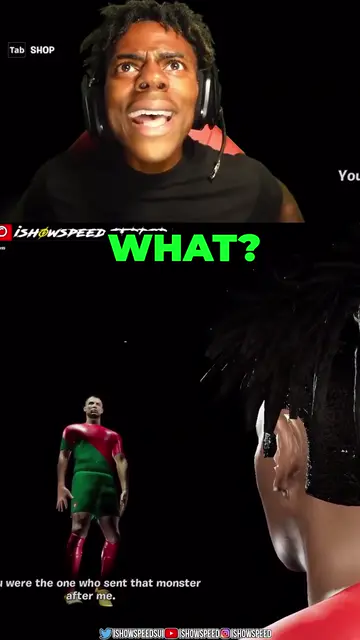
Real outputs made with Mossclip. The creators shown are not affiliated with Mossclip.
Sign up with Google and your first 30 minutes are free. Join our Discord for two hours and two styled clips.
Get clipsSound on every clip, before you touch it
Each clip opens with a whoosh and puts a vine boom on the punchline, on by default, so it lands on a phone with nothing added. StreamClipped's editor has sounds you place yourself.
Both write a line across the top that names you. Mossclip's hook is written from the moment itself, so a viewer who has never seen you knows whose clip it is and why to stay.
1080p with no watermark from the start
Sign up with Google and your first 30 minutes are free, downloaded in 1080 by 1920 with no watermark. StreamClipped's free clips are 720p with its watermark, and they are kept for 3 days.
Any stream, by its link
Paste a live Twitch or Kick channel, or a Twitch, Kick or YouTube recording link. There is no channel to connect, so you can clip a stream you were a guest on, or a creator you clip for. StreamClipped works on the channel you connect.
Where StreamClipped is stronger
StreamClipped costs less: Pro is $9.99 a month, or $79 a year. Its clips arrive usually under a minute after the moment, it clips YouTube live as well as Twitch and Kick, its free plan gives 10 clips a day, and its editor has speed, slow-mo, zoom, transitions, filters and saved templates.
Mossclip clips YouTube streams once they have ended, and is built so you do not have to edit: the moments, the facecam, the hook, the captions and the sound are done for you, and you fix a clip by deleting its words.
Proof from a streamer
MetRighteous TV's Shorts went from a median of 75 views to 970 with the ten clips Mossclip made from one stream.
Why people pick Mossclip over StreamClipped
- A whoosh and a vine boom on every clip, on by default.
- 30 free minutes with Google, in 1080 by 1920 with no watermark.
- Any Twitch, Kick or YouTube stream by its link, with no channel to connect.
- Cut a clip by deleting its words.
Questions.
What is the best StreamClipped alternative for streamers?
One that puts the sound on for you. Paste your Twitch or Kick channel into Mossclip while you are live, or any recording link, and get Shorts with your facecam on top, a hook line that names you, captions, a whoosh and a vine boom. MetRighteous TV's Shorts went from a median of 75 views to 970 with it.
Is Mossclip a free StreamClipped alternative?
Yes, to start. Sign up with Google and your first 30 minutes of video are free. Join our Discord server and that becomes two hours, plus two styled clips, once. Paid plans start at $9 a month. StreamClipped's free clips are 720p with a watermark.
Do I need to connect my Twitch or Kick channel?
No. Paste the channel's link while it is live, or a recording's link once it has ended. StreamClipped works by connecting your channel.
Do both name the streamer on the clip?
Yes. StreamClipped's headline has your name, the game and the line that got the moment. Mossclip's hook line is written from the moment and names you on Twitch and Kick.
Sources, read on 20 November 2026: StreamClipped, StreamClipped help, StreamClipped: compare, StreamClipped: auto clipper, StreamClipped: Twitch clips to TikTok, StreamClipped: Kick clips to TikTok.
Your next clip
is already
recorded.
Sign up with Google and your first 30 minutes are free. Join our Discord for two hours and two styled clips.