- 26 minfrom pasting Kai Cenat's live channel to 11 Shorts of his GTA 6 stream's latest two hours
Channel in. Shorts out.
- 1
Paste the live channel
twitch.tv/name or kick.com/name while the stream is on. It shows LIVE and how long the stream has run.
- 2
Pick the two hours
It opens on the latest two hours. Keep them, or move to any two hours of the stream so far.
- 3
Tick Keep clipping
On a plan, every new two hours becomes a new set of clips on the same settings, until the stream ends.
- 4
Post first
Download in 1080 by 1920, send to YouTube from Mossclip, or send a share link to the streamer.
What comes out.
Each of these came out of a longer video, already cut, titled and captioned.
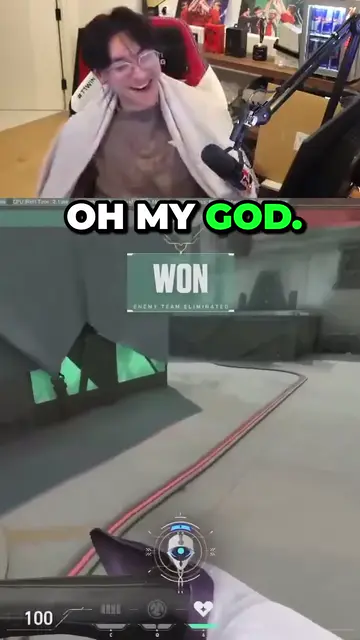
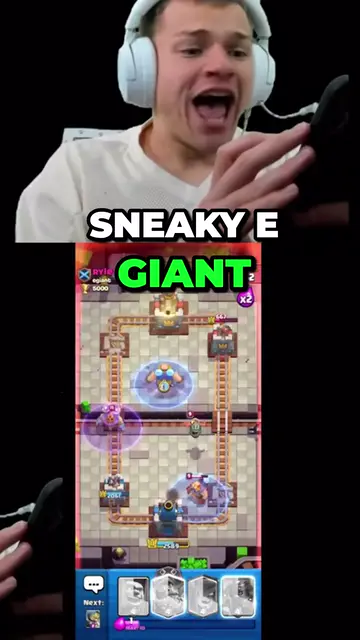
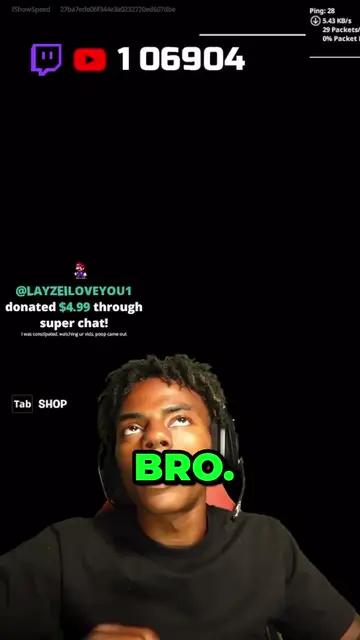
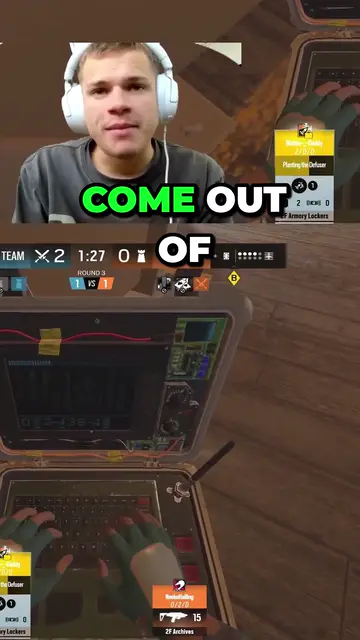
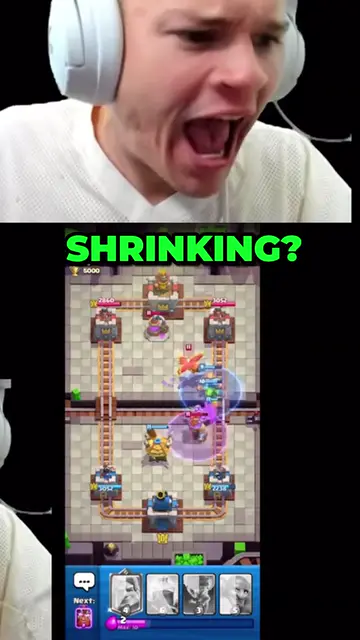
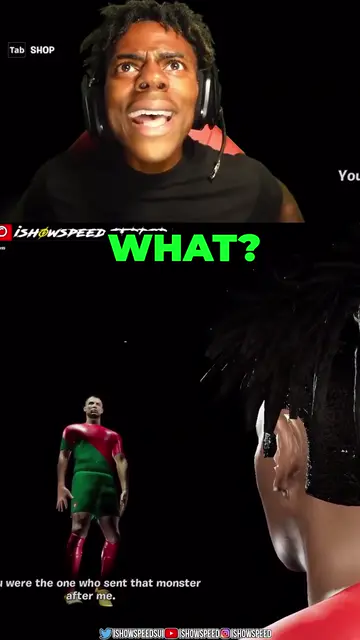
Real outputs made with Mossclip. The creators shown are not affiliated with Mossclip.
Sign up with Google and your first 30 minutes are free. Join our Discord for two hours and two styled clips.
Get clipsWhy speed wins
When a big streamer has a moment, dozens of clip channels race to post it. The first good Short gets the views. Waiting for the stream to end and the VOD to appear loses hours.
Mossclip clips the stream while it is still on, so the clips are ready while the moment is still being talked about.
What every clip comes with
Finds the facecam wherever it sits and stacks it over the game. Drag either crop, save the layout, apply it to the whole batch, and pick it again for the next job.
- A hook line that names the streamer.
- A whoosh at the start and a vine boom on the punchline.
- Captions in the streamer's language.
- Clips come out clean: the full 1080 by 1920 with no watermark.
Clip only what you may post
Many streamers welcome clip channels, and some run clipping programs that pay per view. Check what the streamer allows before you post.
Questions.
How do I clip a big streamer's live stream?
Paste their live Twitch or Kick channel into Mossclip. The latest two hours come back as Shorts with the facecam on top, a hook line and captions, and on a plan Keep clipping makes new clips every two hours until the stream ends.
Do I need the streamer's login or permission to connect?
No login. You paste the public channel link; nothing is connected to their account. Post only what the streamer allows.
Does it work on YouTube streams?
Yes, from the recording: paste the YouTube link once the stream has ended. Twitch and Kick streams are clipped while they are still live.
What is Keep clipping?
An option on a paid plan: after the first two hours, every new two hours of the same stream becomes clips on its own, on the same settings, until the stream ends.
How fast are the clips?
Kai Cenat's GTA 6 launch stream, pasted 13 hours in, came back as 11 Shorts 26 minutes later.
What does it cost?
Sign up with Google and your first 30 minutes of video are free. Join our Discord server and that becomes two hours, plus two styled clips, once. Paid plans start at $9 a month.
Your next clip
is already
recorded.
Sign up with Google and your first 30 minutes are free. Join our Discord for two hours and two styled clips.